
When you’re getting set up for ticket sales for your next show or event, opening your account and starting your sales should be the last thing you need to worry about. You’ve got enough on your plate as you juggle your event, and when you decide on a ticket system, you should feel welcome and at ease – like an extra set of hands has appeared for your organization. This is why BookTix offers a personalized onboarding experience from start to finish! Our sales team will guide you through the initial set-up process, and then our onboarding specialist will ensure everything is up and running by your on-sale date. Our support team is available to provide insight, guidance, and assistance as needed throughout your ticketing journey. Read on to learn more about our customer-focused, stress-free setup experience.
Starting your account with BookTix
Getting started with a BookTix account is easy and straightforward, and tailored to you and your needs. You will receive a form to fill out with your organization’s information and the details for your upcoming show/event. That is all that is needed to get the ball rolling!
Sell tickets for shows, concerts, recitals, fundraisers, sporting events, graduations, and more. You can even list free events where customers can RSVP through reserving a ticket – the possibilities are endless. As an added bonus to the quick and easy setup, there are no long-term contracts, setup costs, or hidden fees. All BookTix fees come down to what you sell, and vary based on line item type and cost. Plus, you can opt to have your customer cover the entirety of the processing fee so the system can be free for you to use!
Our goal is make your first experience with our system stress-free and easy. Although we can’t physically come to your organization, we can set up a live, interactive demo of our system to help your organization. One of our team members will share their computer screen and walk through the basics of the system and its features, and answer any questions in real time.
What to consider when filling out your onboarding form.
Include all of the basic information to display to your audience: Show/Event Title, Dates and Times, Venue Address, Ticket Prices, and Seating Format. We offer two seating format options:
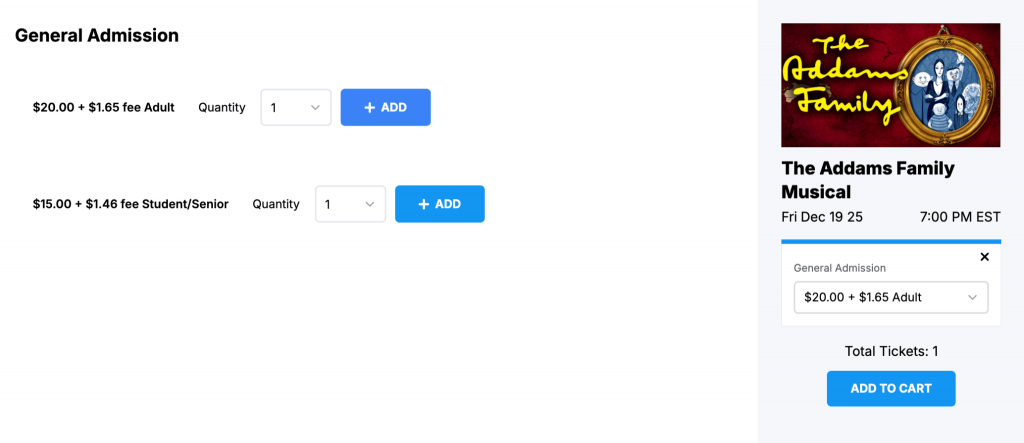
- General Admission: Customers select how many tickets they’d like to purchase, and then choose their seating at the time of the event (first come first serve basis). For a General Admission event, we would just need to know the total capacity of the venue.
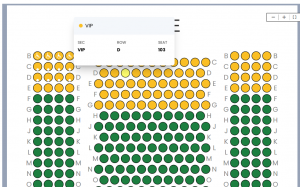
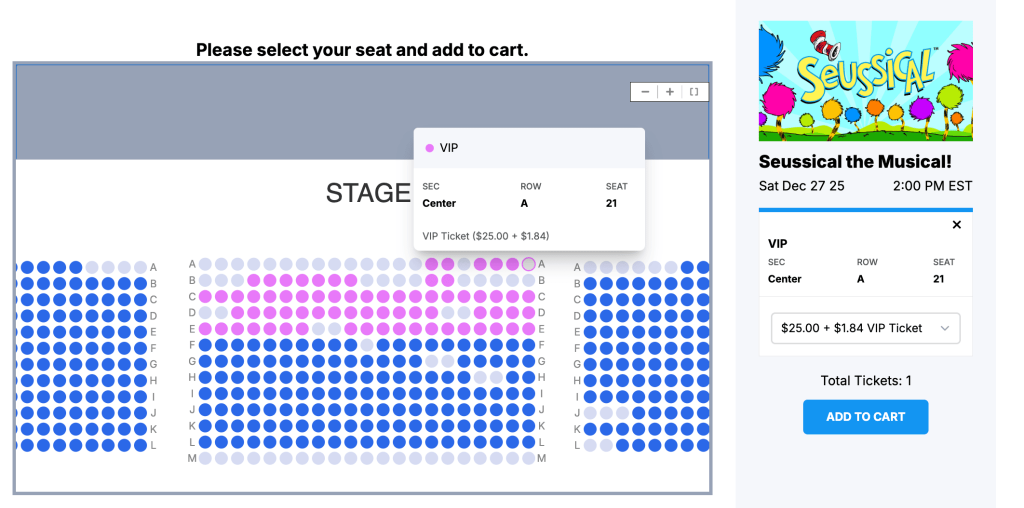
- Reserved Seating: Our team will build a custom seating chart for you! Customers reserve specific seats on a seating chart, and those details are printed on the ticket. For Reserved Seating, please provide a seating chart diagram or outline that contains the number of sections, rows, and seats. Even something hand-drawn would work! You can choose to set all seats at the same, standard price, or utilize tiered pricing where different areas have separate prices.
Once the basics are covered, feel free to elaborate on any specifics or preferred elements you’d also like included! Presale codes for cast/crew, free or discounted tickets for VIPs/Staff/Students, an added donation option for your own organization or charity of choice, special merchandise like T-shirts, mugs, concessions, etc. Let us know what you are looking for in your sales, and we can help set it up!
Accessing Your Account for the First Time
As soon as we’re done with your account setup, you will receive an invitation email to set up your login credentials (be sure to check your spam/junk folder). 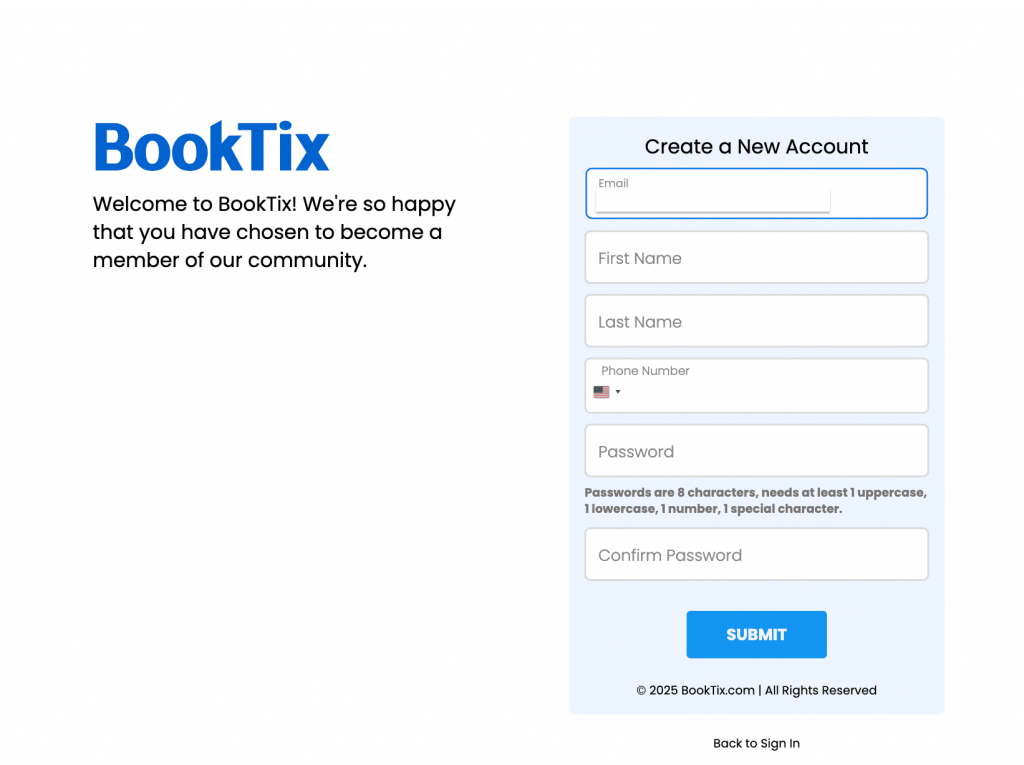
To ease you into using your BookTix account, we provide a Setup Assistant to help walk you through setting up your department. You can add multiple departments to the account (for example Theatre, Music, Athletic) or just stick to the one Main department for all of your events. 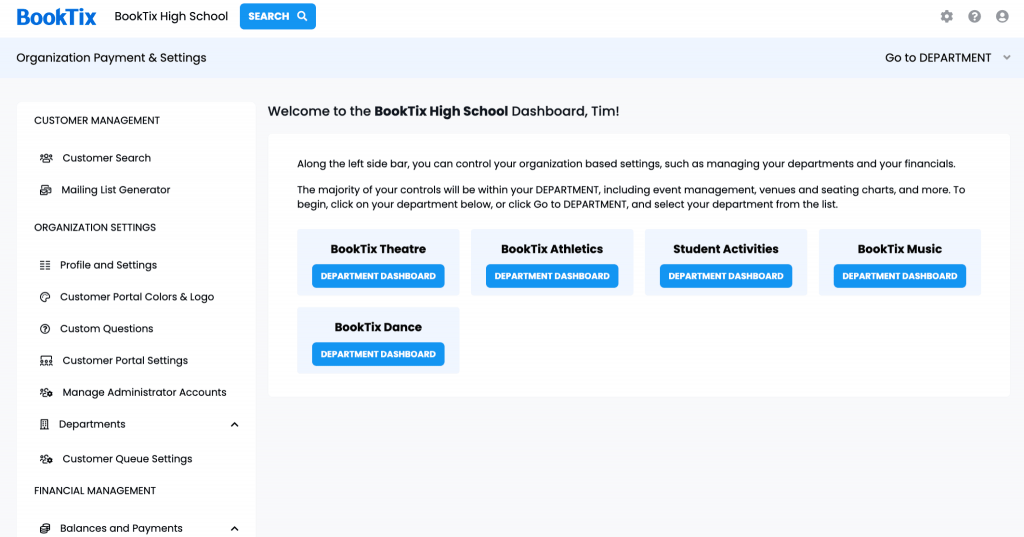
One of the perks of our system is having the ability to customize your site! Change the color of the banner on the landing page, add your logo, include a website or social media links, and provide contact details for your customers to reach you.
Turning on Sales
As BookTix will set up your first event for you, you will need to “Confirm” the details that we entered before going on sale. The sales can start right away, or you can schedule a date/time you would like tickets to become available for customers to purchase.
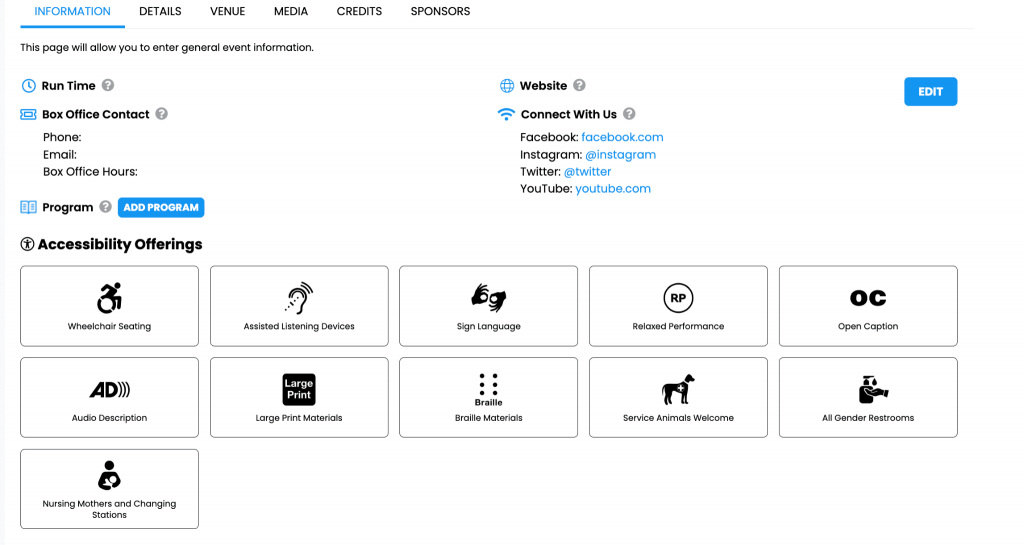
Feel free to add more event details, like the Runtime, any ADA offerings, the Event Synopsis, Cast, Credits/Sponsor Recognition, Program, Photos and Videos, whatever you’d like the audience to know about the event. You can also provide links to registration or permission forms that customers would need to fill out to attend a certain event.
What happens when the event ends?
We make it easy to close out your event and get your money in the way that works best for your organization. BookTix currently offers three convenient payout options for US clients: Paper Check or ePayment (ACH), or Direct Deposit via Stripe.
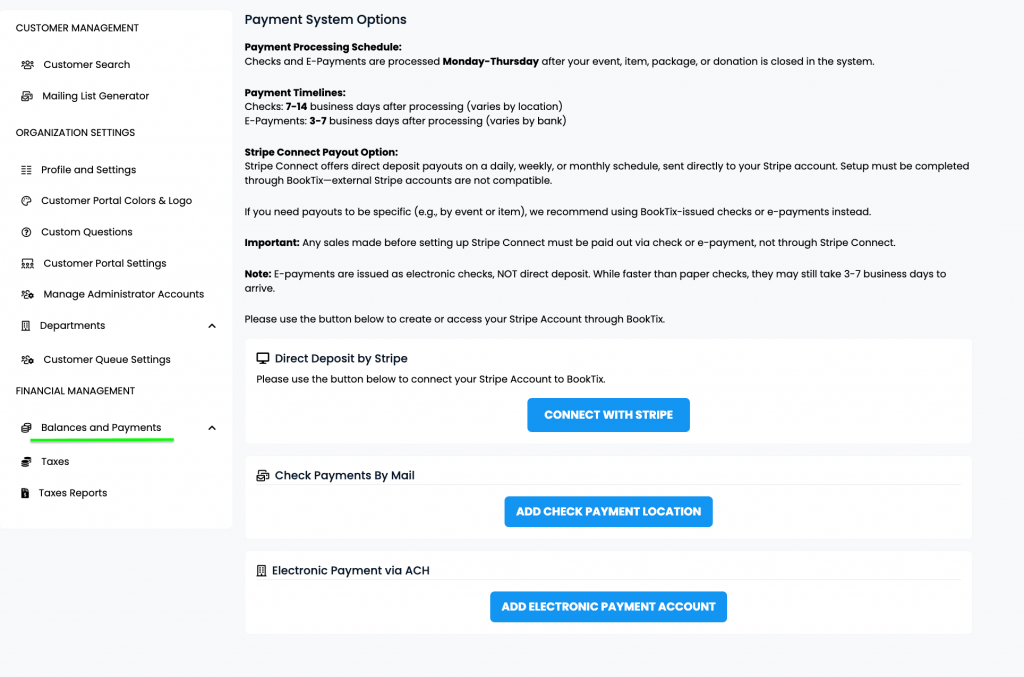
BookTix payments are sent when ticket sales are finished, and have been Closed. All Events, Packages, Donation Campaigns, and Items need to be Closed, which notifies our accounting department that all sales are completed, as well as any exchanges or refunds, and you are ready to receive payment. You will not be able to issue refunds or exchanges once Closed.
Stripe Connect is a direct deposit payout option that allows you to opt for daily, weekly, or monthly deposits directly to your Stripe account, set up through your BookTix account. Just note that Stripe MUST be set up BEFORE your show goes on sale for sales to begin paying out to you at the selected interval. Payments are batched at midnight UTC, so not all transactions in your local timezone will be included together. If you require your payouts to be specific (i.e. event-based or item-based), you may want to opt for BookTix Payments via Check or ePayment instead.
Are you ready for your next event? BookTix is here to help!
Sign up for a demo to learn more at https://www.booktix.com/learn-more/